The problem
At weddings and events, guests take great photos, but those photos usually stay trapped on individual phones or scattered across group chats and shared drives.
The idea
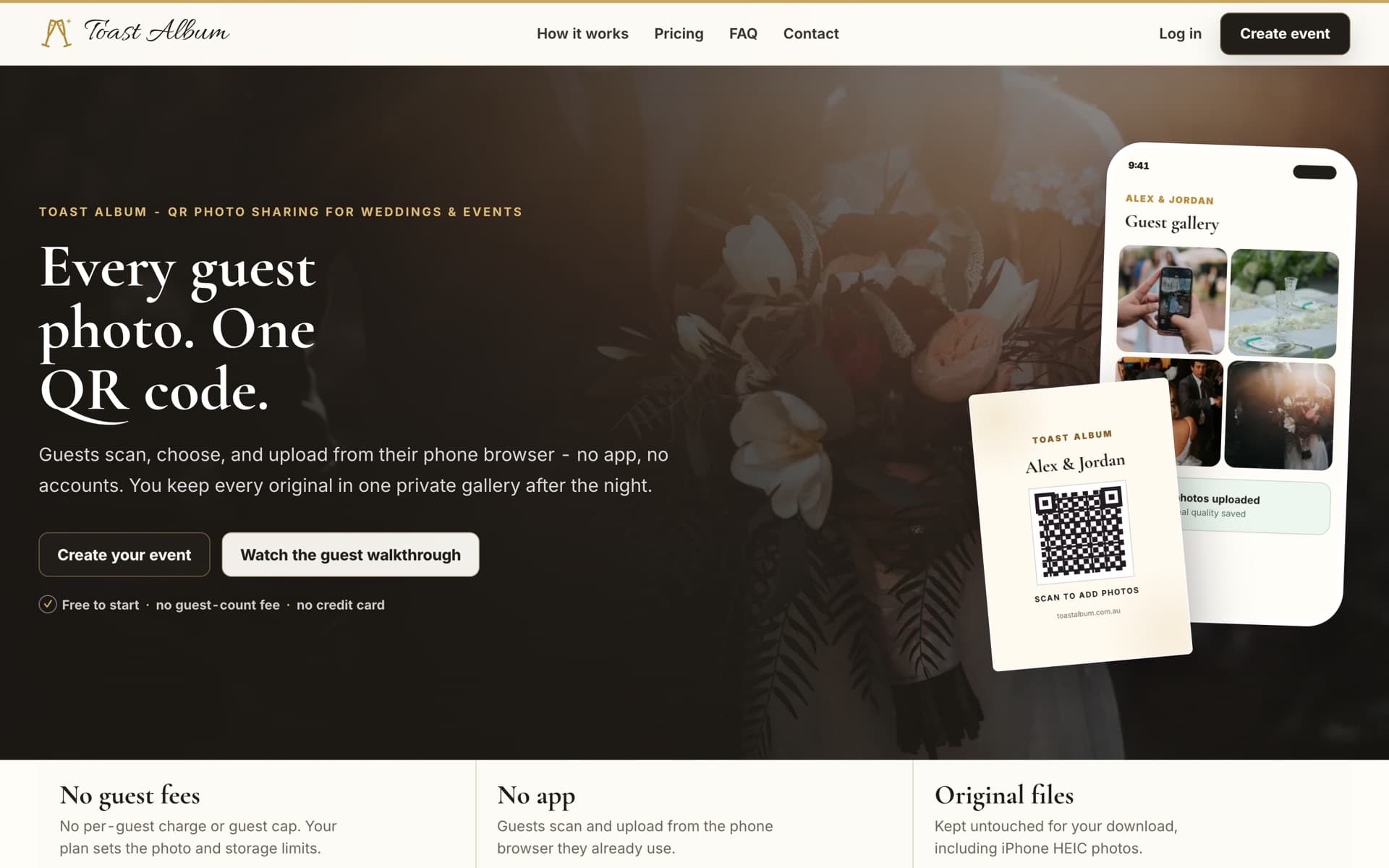
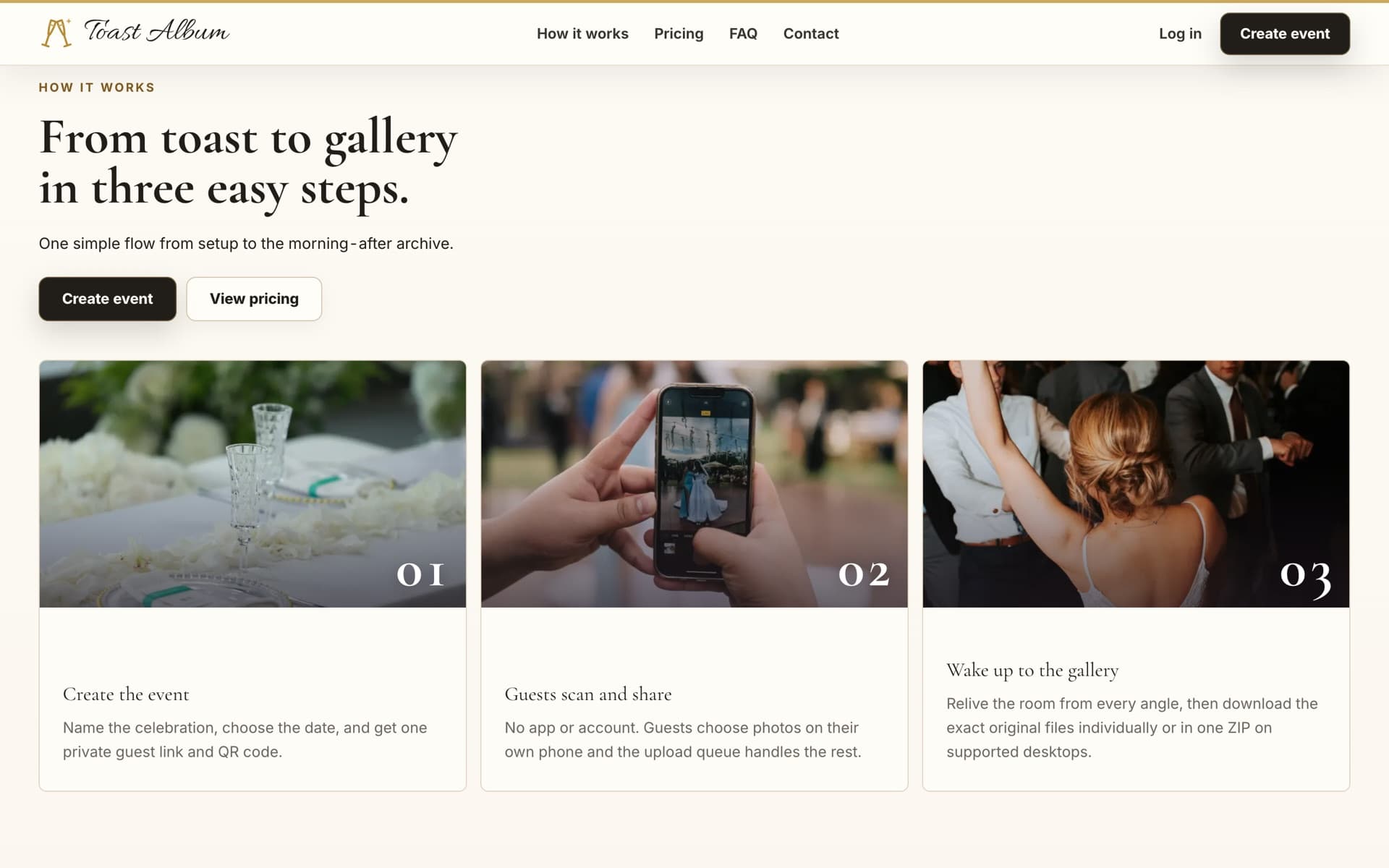
Create a private, low-friction event flow where hosts share one QR code and guests can contribute photos immediately, without needing an account or app.
What it does
- Lets hosts create and manage private events
- Generates a QR code and link for each event
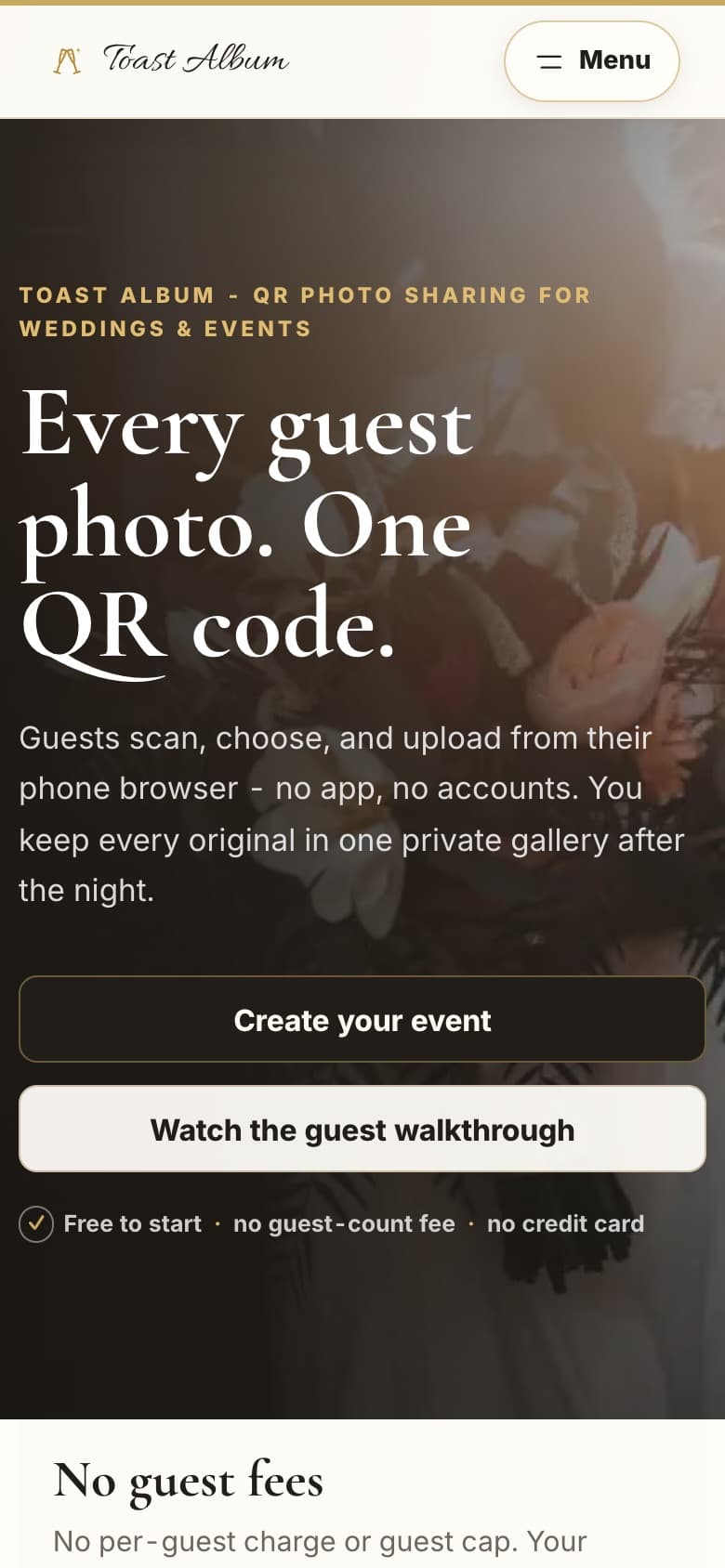
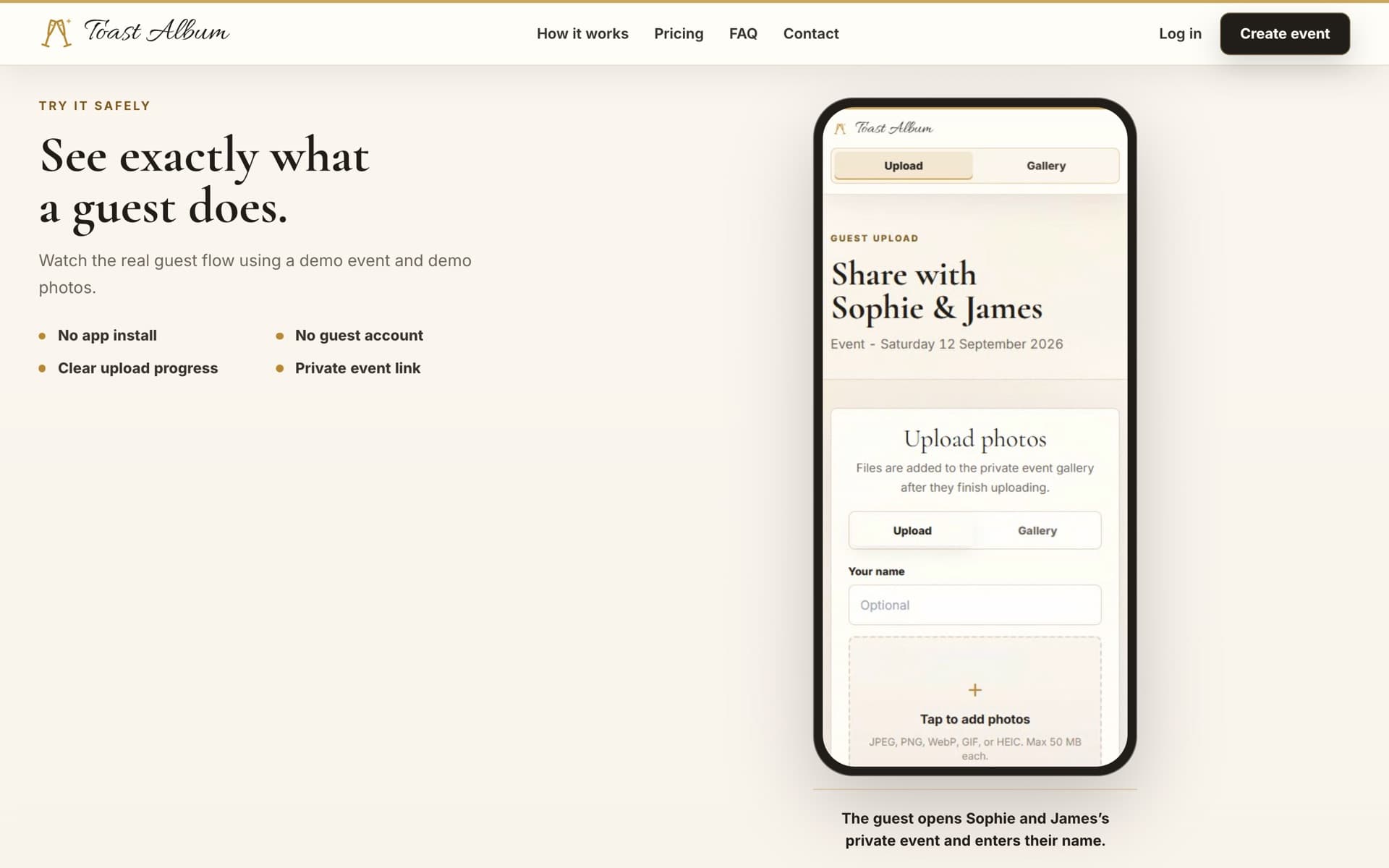
- Accepts guest uploads without requiring an account or app
- Keeps event photos together in a private gallery
- Supports host and guest photo uploads
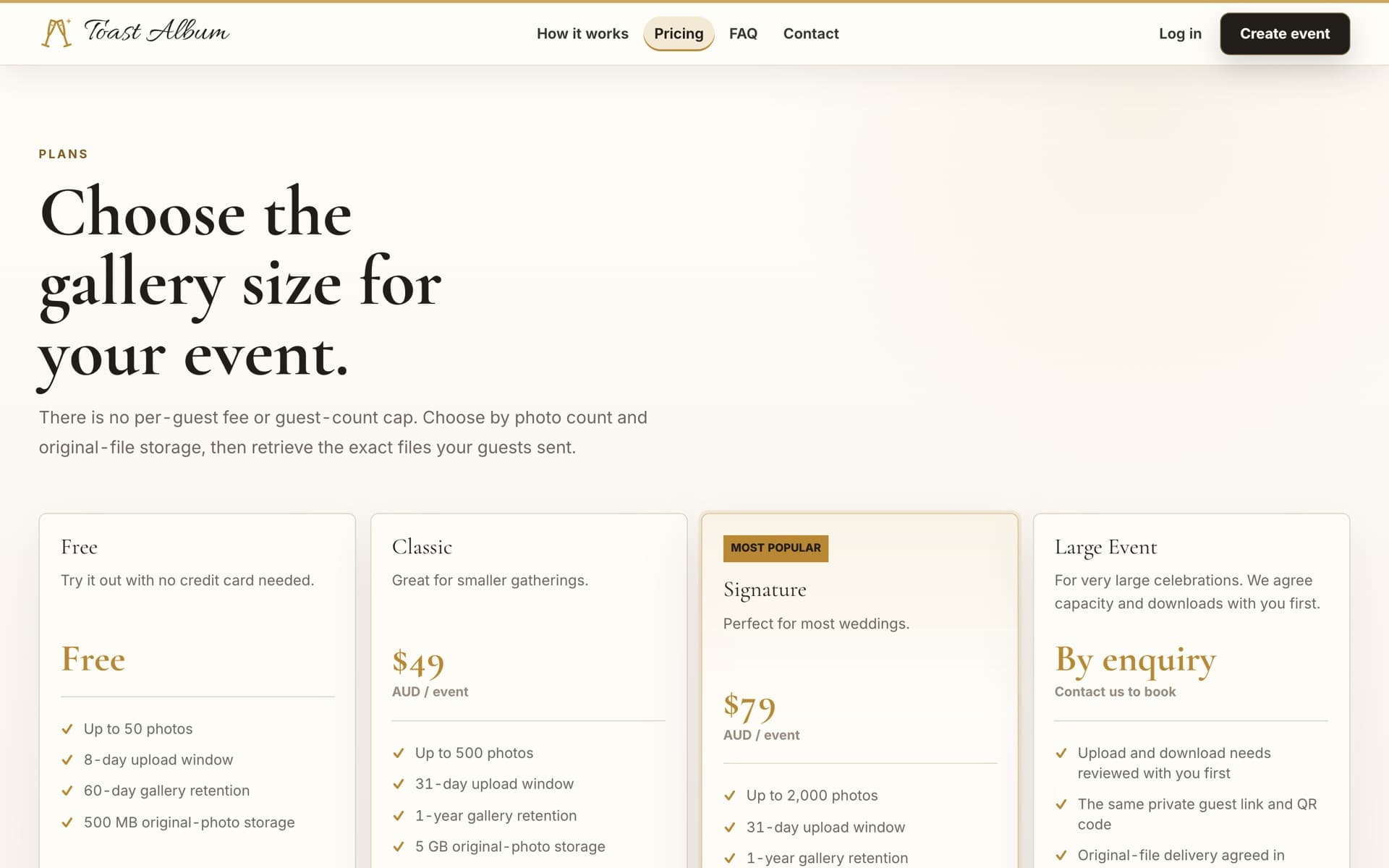
- Handles paid event creation through Stripe
- Lets hosts download the collected event photos
Tech stack
- Next.js
- TypeScript
- Tailwind CSS
- Supabase Postgres and Storage
- Vercel
- Stripe
What I built
- Authentication and creator-side event management for private galleries.
- QR-based guest uploads, private storage, and secure database access.
- Payment handling, email configuration, automated monitoring, and production deployments.
What I learned
- Taking a working application to launch requires much more than completing the original feature set.
- Security, reliability, operational workflows, and edge cases are what turn an application into a product people can confidently use.
Challenges
- Making authentication, private storage, payments, and database security work together cleanly.
- Working through guest-upload edge cases, monitoring, email configuration, and production deployment details.
What I would improve next
- Keep improving the experience based on how real hosts and guests use the product.
- Continue strengthening monitoring, reliability, and edge-case handling after launch.
Links
Visit Toast AlbumThe live private photo-sharing platform.RepositoryPrivate production repository.